designerEDGE

For designers running their own studio

Right now, you’re the
connective tissue.

The concept sits in one place, the plan in another, the products in a spreadsheet, the approvals in a text thread. Nothing knows about anything else — so you carry it. Every project, every time. Designer Edge is the part that connects.

Free to start · No card · No onboarding call

Concept

Canva

three hours, rebuilt twice

Plan

Somewhere else

doesn’t know the palette

Products

A spreadsheet

no sizes, no direction

Holding it together

You

every project, forever

What changed

Your client has already seen a render.

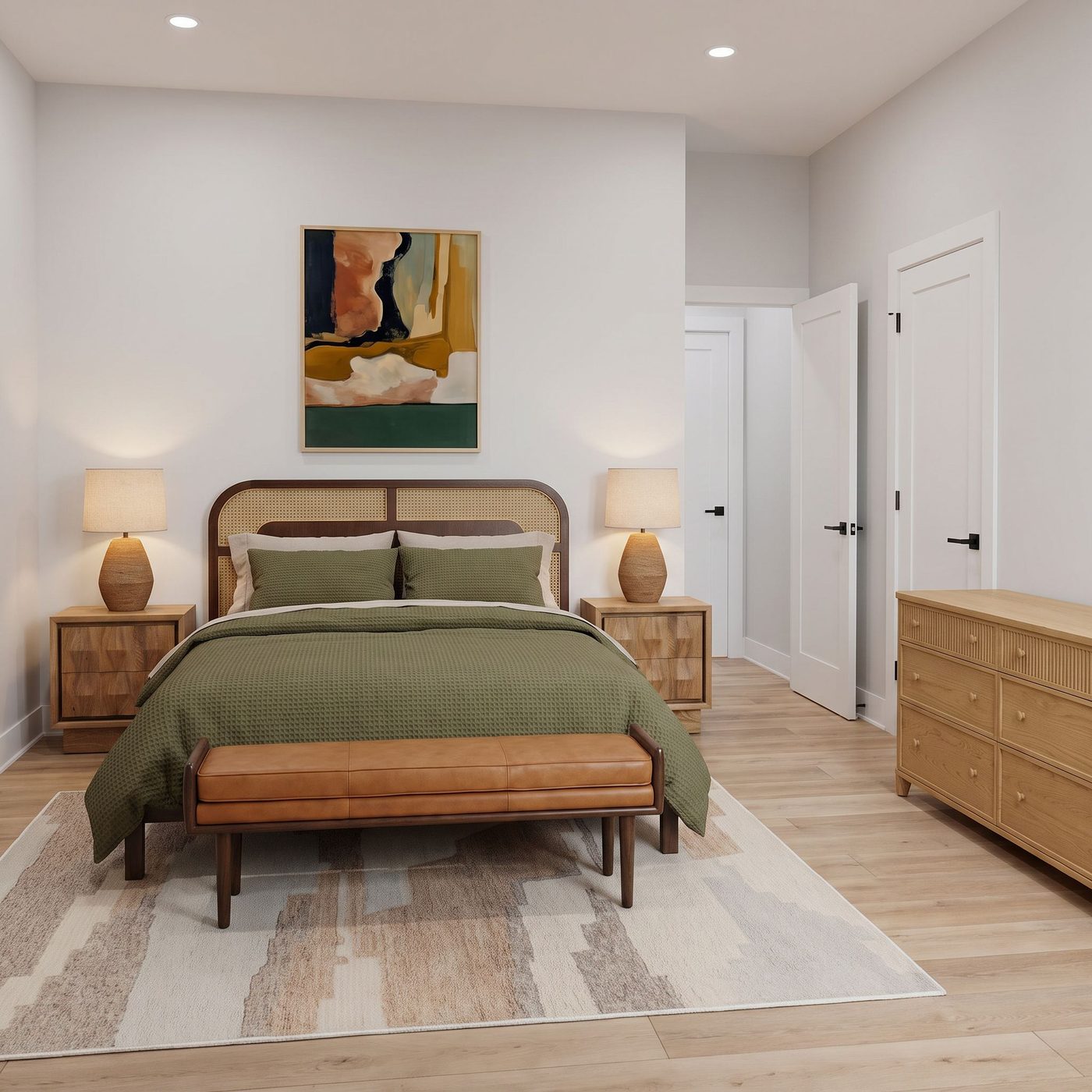
AI made photorealistic rooms cheap, and what clients expect moved with them. The tools split in response — rendering tools that can’t run a practice, practice tools that can’t render. You need both. And you need the render to show the pieces you actually chose.

Rendering tools

Beautiful images of a room that doesn’t exist, furnished with stand-ins. No brief, no sourcing, no approvals, no invoice.

Practice tools

Track the project, store the files, chase the approvals. Nothing that helps you design — and output you rebuild in Canva anyway.

Designer Edge

Both, connected — and the render shows the exact pieces on your selections list, standing in their actual room.

The thread

Each step knows what the last one decided.

The palette isn’t retyped into the plan — it arrives there. The bed’s footprint isn’t remembered, it carries into sourcing. What you source is scored against the direction your client already agreed to. The connective tissue that has only ever existed in your head now exists in the work.

Seeing it first

A chip is not a wall.

Three color chips and three material names on a page is a specification, not a decision. You can’t look at a chip and know. So these tools exist to turn a decision into something you can actually look at — before it goes in front of a client, and long before anyone orders anything.

Experiment · in the Plan

Try the paint on the actual wall.

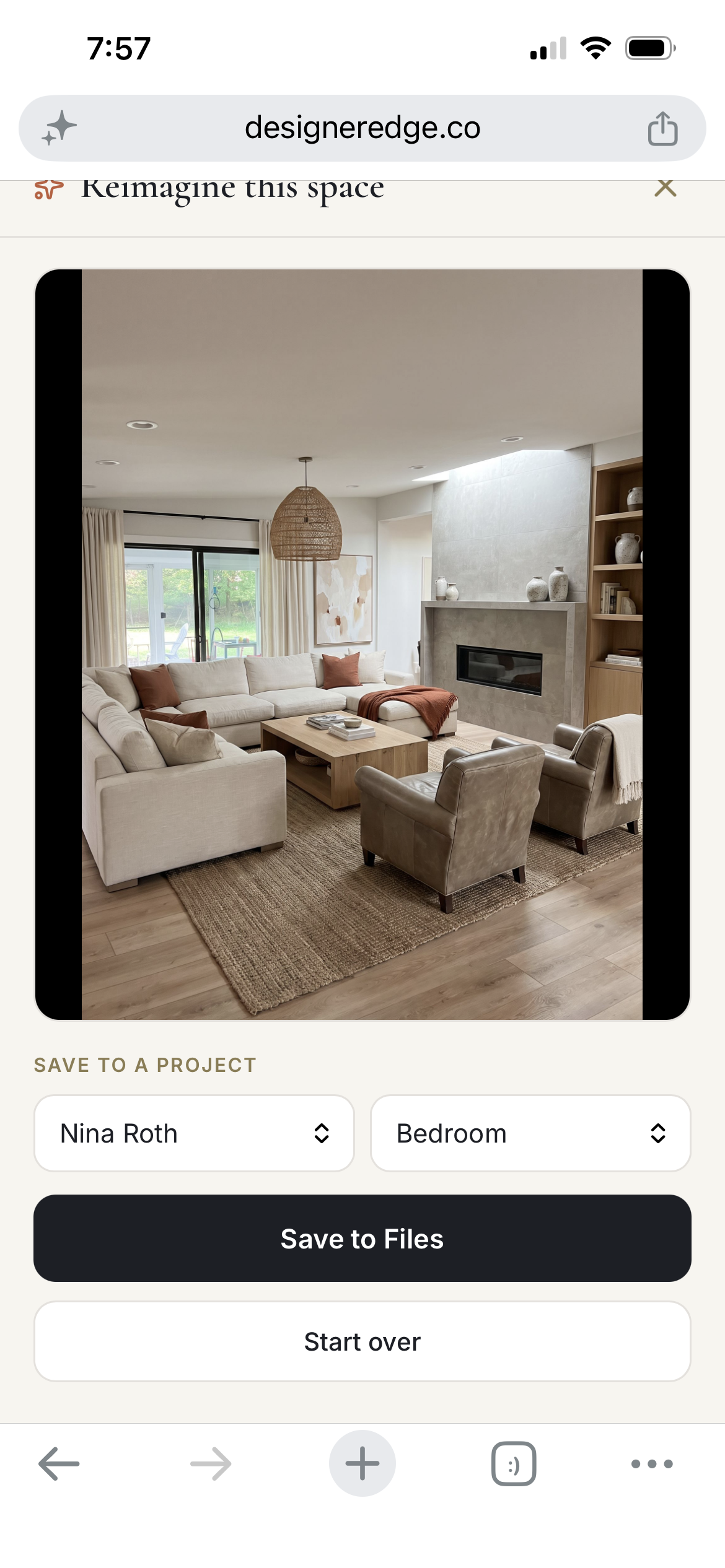
Pull a real room out of your concept work and open it big. Put the Sherwin-Williams color on those walls and look at it at a size worth judging. Change the material and it lands on the room as you just colored it — not back on the original. You name the surface, you name the finish. It decides nothing for you.

The board editor · in Concept

Take the piece. Leave the room.

The image you found is almost never the image you want. Drop any photograph on the board and it reads the room inside it — then lift the sofa out and the wall closes behind it, or keep only the chair and everything else falls away, leaving a clean cutout. Crop, straighten, shape, caption. The board ends up being the one you meant to make.

Both halves

The design work and the business, on one project.

Most tools pick a side. The design tools don’t run a business; the business tools don’t help you design. So the work lives in one place and the record of it lives in another, and you are the bridge. Doing both on the same project is the only reason it’s worth replacing anything.

The creative

  • Taste profile & brief
  • Concept directions
  • Floor & ceiling plans
  • Color & materials
  • Mood boards
  • In-room renders

The practice

  • Proposals & agreements
  • Client approvals
  • Sourcing & budgets
  • Order tracking
  • Meetings & notes
  • Invoicing & handoff

Your name

What they open should look like your studio.

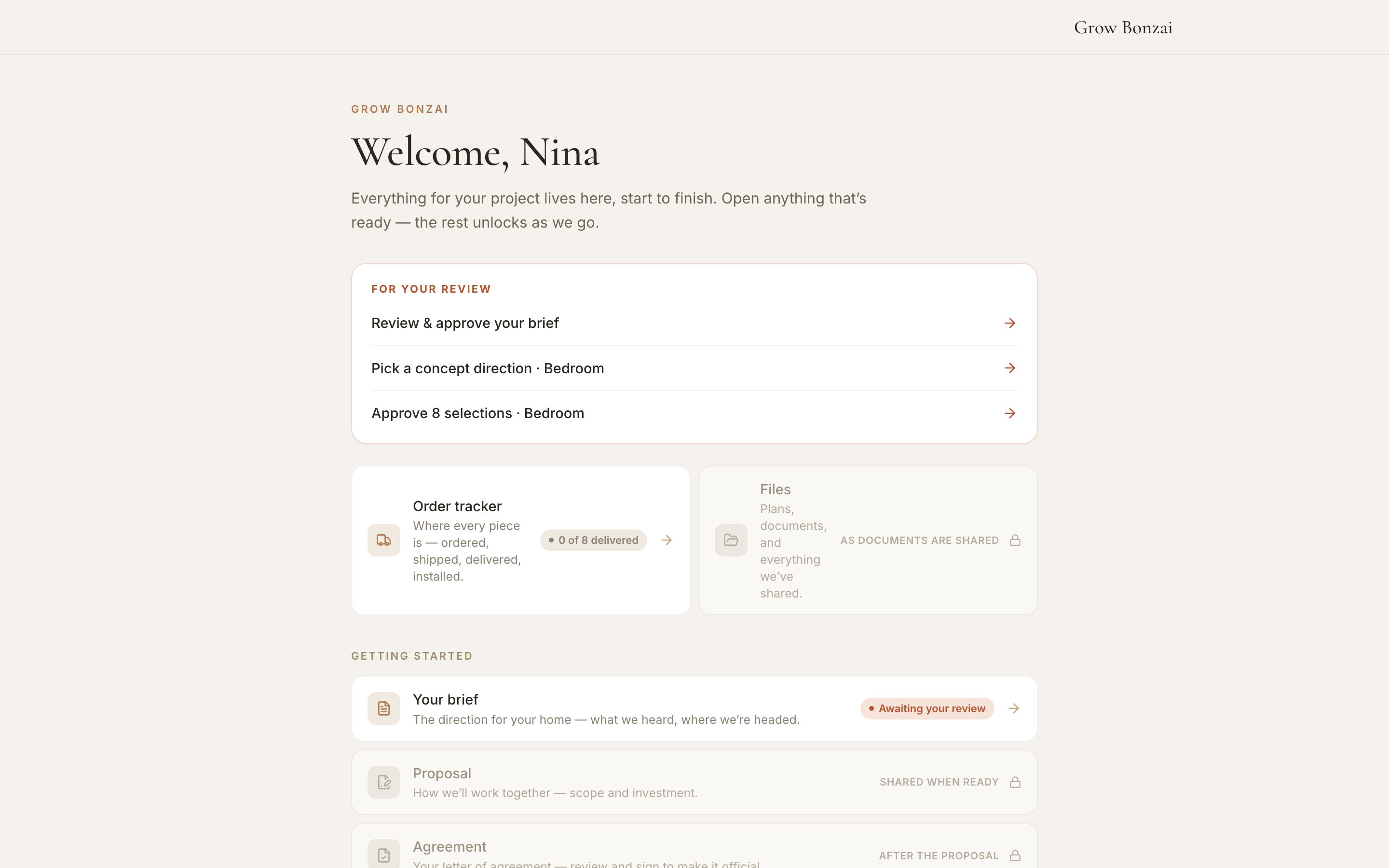
Every document your client sees carries your name on it — not a template with a logo dropped in the corner, but output that reflects the discernment they’re paying you for. One link, no password, your studio at the top, everything for the project behind it.

Concept boardShared
Space planShared
Mood boardShared
Selections4 approved
In-room renderReady

Four minutes

The floor plan is not a weekend project.

Not CAD. Not a 3D modeller. Pick the room, pick the pieces, drag them where they go — the sizes are already right, because they came from the plan. Same for the ceiling plan. It does the one thing you need it to do and gets out of the way. Nothing to learn on a Sunday.

The admin thins out on its own, too. Forward the order confirmation and it’s tracked. Finish the call and the notes are already taken. Paste a product link and it’s read against the direction. You decide what’s automatic and what stays yours — every step also works by hand.

Being straight with you

Things this doesn’t do.

AccountingPurchase ordersTrade discountsConstruction documentsTime trackingTrust accounts

We’d do them badly and you’d notice on a Friday. QuickBooks, RoomSketcher and Studio Designer are good at these. This does everything between the first conversation and the final install, and it does that properly.

Pricing

One price. Four seconds to read it.

$79/ month

  • Unlimited rooms and projects
  • Every deliverable, your branding on all of it
  • Client hub — one link, no password
  • Proposals, approvals, tracking, invoicing
  • No onboarding fee, no contract, export anytime

Founding designers — the first twenty lock in $49 for as long as they stay. Not an introductory rate. Your rate.

Start with one room.
See what your client says.

Send one intake, share what comes back, and watch what happens. If nothing changes, nothing’s lost.